
The best platforms for a restaurant website: Webflow or AlpineDev
Restaurant owners ask me this all the time: which platform should our website be on?
After building websites for restaurants, bars and cafés across Banff, Canmore and Calgary, my answer comes down to two options. Both give you a custom design, a site that loads fast on a phone, and a way for your team to update menus and specials without calling a developer. They just get there differently.
The two are Webflow and AlpineDev, my own platform. I build on both, so here's an honest look at when each one is the right fit.
What a restaurant website actually needs from its platform
Before comparing, it helps to know what we're judging. A restaurant site lives or dies on a few things:
- A menu that's easy to change. Prices, seasonal dishes and specials change constantly.
- Speed on a phone. Most of your visitors are on mobile, often on patchy mountain signal.
- A design that feels like your place, not a template every other restaurant uses.
- One-tap reservations, hours you can trust and directions.
- Your team can do it themselves. If every update needs a developer, the site goes stale.
I've written more about these in 5 things every restaurant website needs. Both platforms below handle all of them well.
Webflow: the proven choice for design-led restaurants
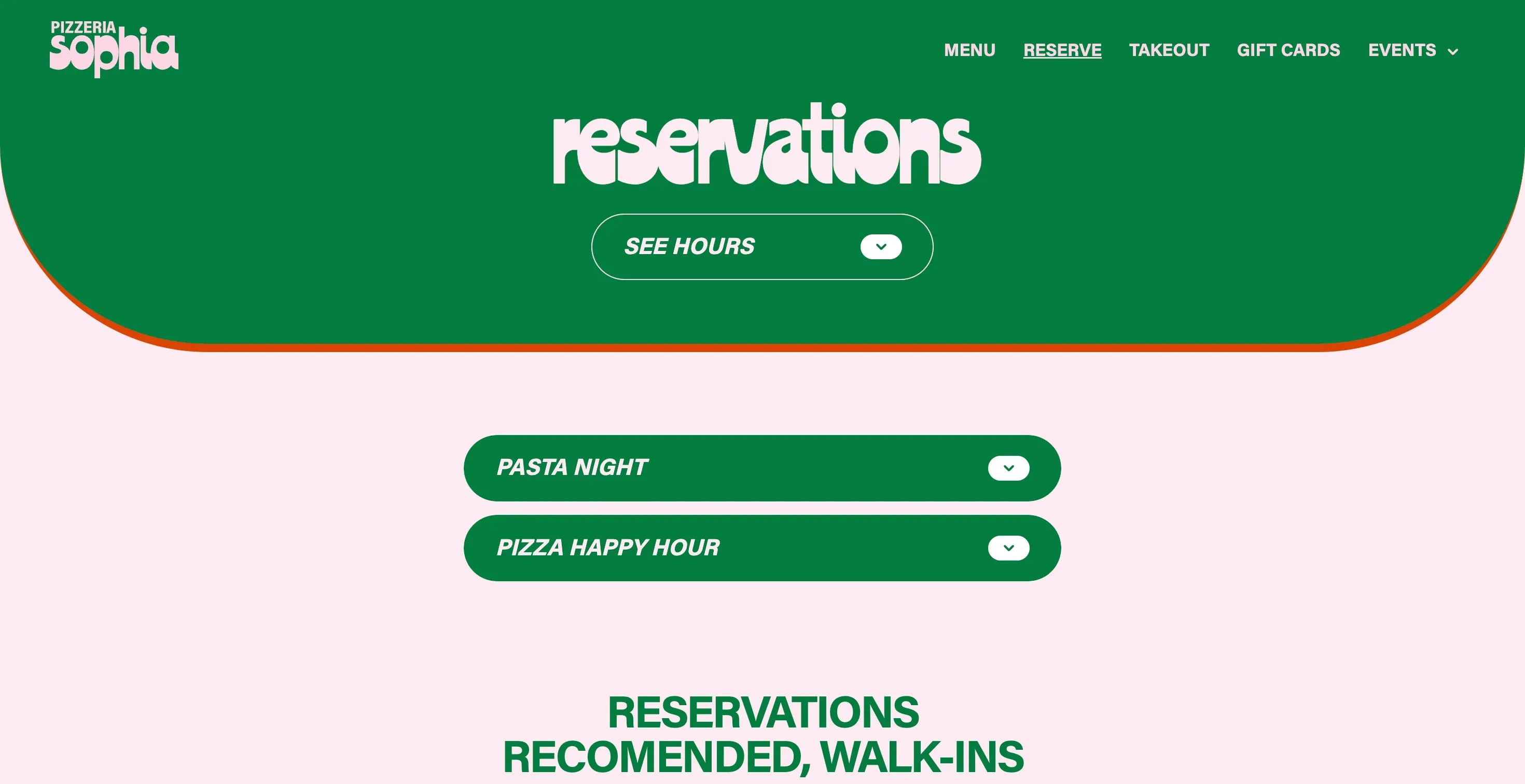
Webflow is where most of the restaurants in my portfolio live, from Chuck's Steakhouse & Patio to Magpie & Stump and Pizzeria Sophia.
Why restaurants like it:
- Complete design freedom. Every page is custom, with the animations and photography that make a restaurant feel special.
- Edit right on the page. Your manager clicks on the specials, types the new ones and publishes.
- The menu as structured content. Dishes, events and specials are set up as collections, so adding one is filling in a form and the design takes care of the rest.
- A mature, well-known platform. Plenty of people know Webflow, it's well documented and it's been around for years.
Webflow is a great fit if you want a proven, widely used platform, you have a team member comfortable in a visual editor, and you value a large ecosystem around your site.
AlpineDev: a custom site you can update by chat
AlpineDev is the platform I built for small businesses, on top of EmDash, a modern open-source content system. It's designed around one idea: running your website should be as easy as sending a message.
Why restaurants like it:
- Edit your site by chat. Connect ChatGPT, Claude or any MCP app you already use and just ask: "Switch us to winter hours, closed Mondays", or "Add the new elk burger to the dinner menu at $28". It makes the change, and you can roll back anything. It uses the AI account you already have, so there are no extra AI costs.
- An admin shaped to a restaurant. Instead of generic pages, your admin has *Menu items* with a dish name, price, dietary tags and photo. Your team fills in exactly what a menu needs, nothing more.
- Fast everywhere. Your site runs on Cloudflare's global network, so pages load quickly wherever your guests are, with SSL and attack protection built in.
- Affordable to run. Hosting costs that make sense for a small business, not an enterprise.
- Fully custom design. No templates, same as everything else I build.
AlpineDev is a great fit if your team is busy, you'd rather type a quick message than learn an editor, and you want low running costs with a site that's fast and secure by default.
Side by side
- Design: both fully custom.
- Updating the menu: Webflow, in a visual editor on the page. AlpineDev, in a simple admin or by asking in chat.
- Speed: both fast when built well; AlpineDev runs on Cloudflare's global network.
- Who it suits best: Webflow for teams who like hands-on visual editing; AlpineDev for owners and managers who want updates to take seconds.
- Track record: Webflow is a long-established platform; AlpineDev is newer and built specifically for small businesses like yours.
What about Wix, Squarespace or WordPress?
They can work, and plenty of restaurants use them. The trade-offs I see most often: template sites end up looking like everyone else's, and WordPress sites with a stack of plugins tend to get slow and need regular maintenance to stay secure. If you're happy where you are, there's no need to switch. If your site feels slow, dated or hard to update, that's usually the sign.
So which one should you choose?
There's no wrong answer between the two. Both get you a custom, fast restaurant website your team can actually keep up to date. The choice comes down to how your team likes to work:
- Love a visual editor and a well-known platform? Go with Webflow.
- Want to update the site in seconds by just asking? Go with AlpineDev.
Not sure? Tell me how your restaurant runs, who updates the site and how often, and I'll recommend the one that fits. You can read more about my restaurant website design work, my work as a Webflow developer, or see how AlpineDev works.