


 Your sender address
Choose the address and name your emails come from, and where replies go.
Every email from your website shows who it's from. You choose that when you connect, and you can change it any time.
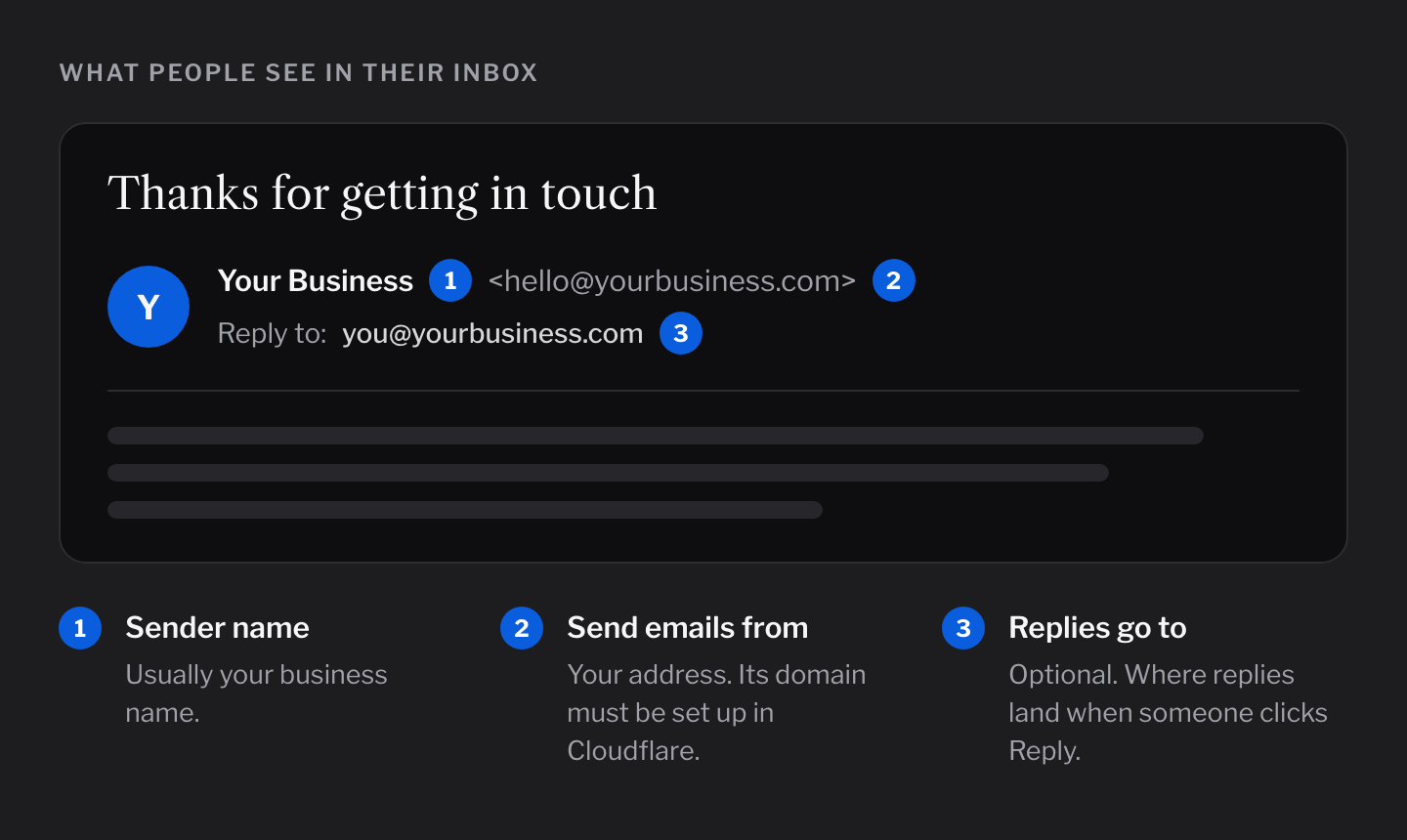
Sender name
The name people see in their inbox. Most people use their business name.
Send emails from
The address your emails come from, like hello@yourbusiness.com.
The address doesn't need a real inbox. If nobody reads it, fill in Replies go to.
Replies go to
Where replies land when someone clicks Reply. This one is optional.
- Leave it empty: replies go to the address your emails come from.
- Fill it in: replies go to the address you enter, like your own inbox.
Change your address
- Open Emails in your admin.
- Click the Settings tab.
- Change the name or address under Who your emails come from.
- Click Save.
- Send yourself a test email from the same tab, to check it works.