


 When an email doesn't go out
What the reasons mean and how to fix them.
When an email doesn't go out, Emails tells you why. Find the message below to see how to fix it.
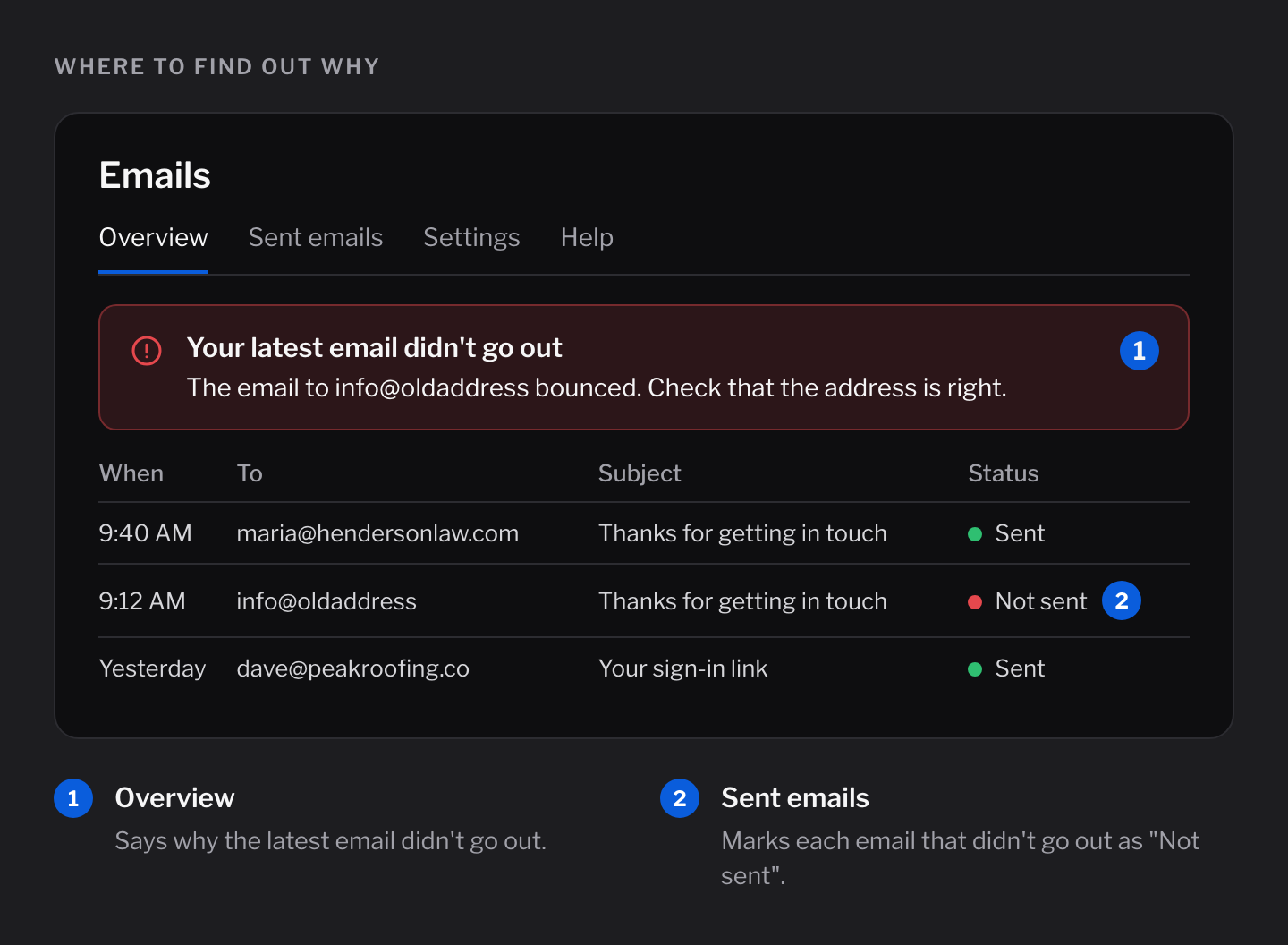
Problems with your key
Cloudflare didn't accept your key
Part of the key was missed when you copied it, or it was deleted in Cloudflare.
Fix: On the Settings tab, click Disconnect. Then make a new key with Create your key and connect again.
Your key isn't allowed to send emails
The key is missing the Email Sending permission.
Fix: Make a new key with Create your key. Before you click Create Token, check that the list shows Email Sending.
That key can do more than send emails
Emails won't keep a key that could change your website.
Fix: Make a new key with Create your key. That key can only send emails.
That key works for more than one Cloudflare account
Fix: Make a new key with Create your key. It makes a key for just one account.
Problems with your address
Check that your domain is set up in Cloudflare Email Sending
Usually, the part after the @ in your address hasn't been added in Cloudflare yet.
Fix: Click Open Email Sending, then Onboard Domain, and pick your address. Also check that the address you're sending to is right.
Email Sending isn't turned on for your account yet
Fix: Open Email Sending in Cloudflare and add your address. See step 2 of Getting started.
Cloudflare has paused sending
Cloudflare pauses sending when too many emails bounce or get marked as spam.
Fix: Open Email Sending in Cloudflare. It says why, and what to do.
Problems with who you're sending to
The email bounced
The address doesn't exist, or can't get email.
Fix: Check that the address is typed right.
Emails to this address bounced before
Cloudflare won't send to an address that bounced before.
Fix: If the address works now, remove it from the list in Cloudflare Email Sending.
Other messages
Today's limit is reached
Apps like Forms sent their 200 emails for today. The rest go out tomorrow. Sign-in links still go out.
Fix: If the emails are real, raise the limit on the Settings tab. See Which emails are sent.
Emails isn't connected to Cloudflare yet
Fix: Open Emails in your admin and connect it. See Getting started.
Couldn't reach Cloudflare, or too many emails at once
Cloudflare had a short problem, or your website sent a lot of emails at the same moment.
Fix: Wait a minute and try again.
The email is too big
Fix: Keep each email, with attachments, under 25 MB.
Sign-in links don't arrive
If the Emails page shows nothing at all, your website might be using a different email service.
Fix: Open Settings → Email in your admin and check that Emails is the one sending your emails.